Payroll Migration Overview
We’re excited to be your new payroll provider! Since you’ve already paid employees earlier this year through another provider, we’ll need some details from your previous payroll records. Importing this information helps ensure that all tax payments and reports stay accurate.
You can keep your account with your previous payroll provider active while the payroll data is being transferred into our system. This ensures you can continue to download reports or if necessary, run an additional payroll.
The information presented in this topic is general in nature. The migration instructions linked below are for various payroll platforms:
| ADP Run | Gusto | Paychex |
| Quickbooks Online | Rippling | Square Payroll |
| CPA or Other System |

The time of year that you are transferring to Pavillio Payroll affects the Payroll History Reports you need to provide:
| Joining in Q1 |
|
|
| Joining in Q2 |
|
|
| Joining in Q3 |
|
|
| Joining in Q4 |
|
For employers who have a weekly pay group:
-
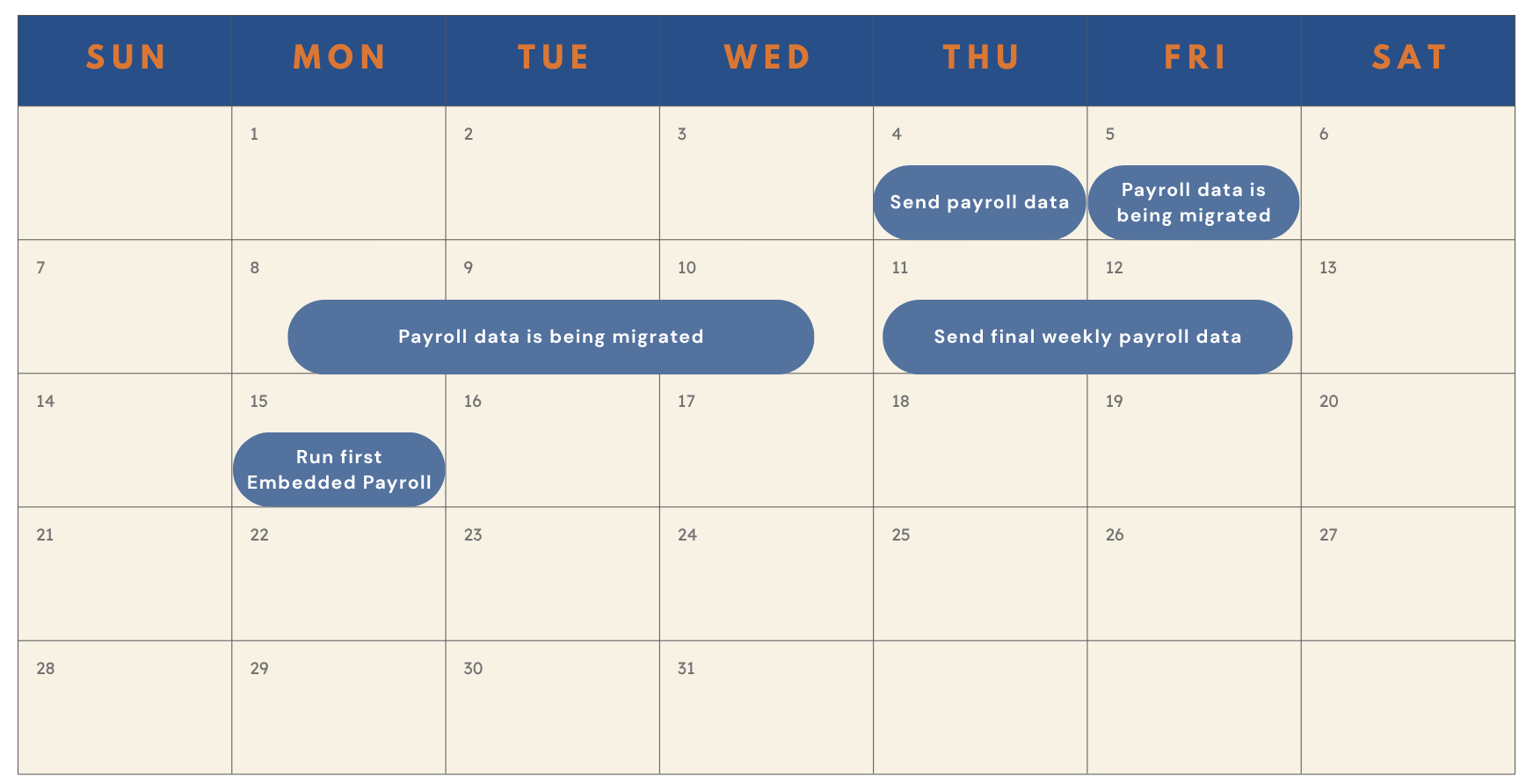
Submit Initial Data: Send us all the data you have accumulated so far for the calendar year. This will enable us to start the implementation process on our end.
-
Provide Final Payroll Run Data: Share the data from the final weekly payroll run with us.
Depending on your worker types, we need the following information from you:
|
Worker Type |
Data Needed |
|---|---|
|
W-2 Employee |
|
| 1099 Contractor |
|
Let’s say you run payroll every Monday for a Friday check date. Send us all payroll information except for the current week’s payroll so we can start the migration process. After you run your final payroll, send us the payroll journal by Friday. This allows us to finish migrating your data so you’re ready to run your first payroll the following week.