Edit a Visit Record
EVV captures the visit start time, end time, and location in real time when the Caregiver begins and ends a visit. Sometimes this information needs to be corrected.
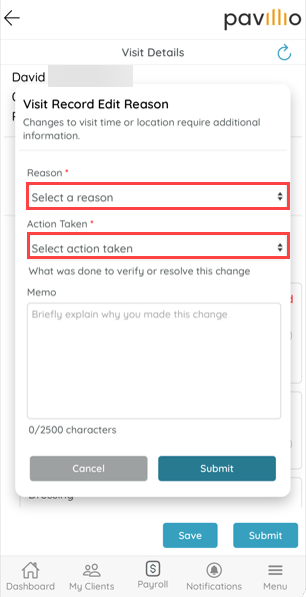
When a Caregiver edits the start time, end time, or location of a visit and attempts to save, a pop up appears and prompts them to select a Reason and, dependent on the State, the Action Taken from the lists provided. Some reasons may also require a Memo.
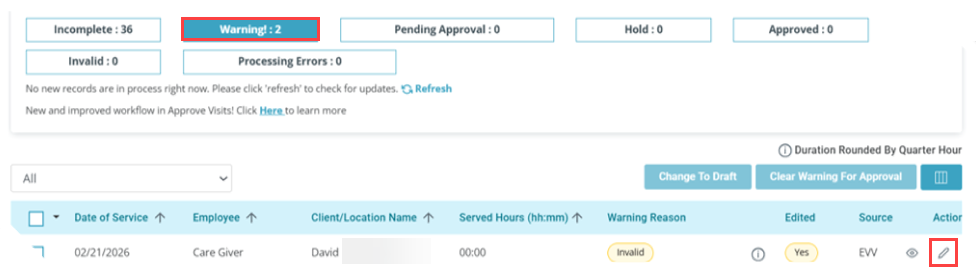
Edited visits are flagged and can be reviewed in Care Management > Approve Visits before the record is sent. The edits can also be viewed or updated from the Warning card under Actions.