Payroll and Direct Deposit Payment Statuses
Each Payroll Run includes a Payroll Status, as well as a Direct Deposit Status for each worker.
To see the status of a payroll run, go to Financials > Generate Payroll > Run Payroll and scroll down to the Payroll run list.
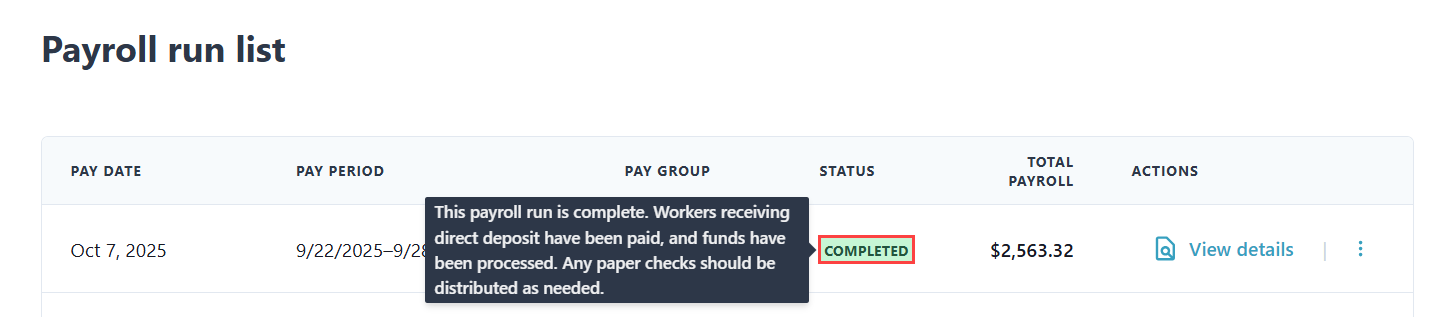
Hovering over a status shows a tooltip explaining the status.
Below is a list of all potential Payroll Statuses and their corresponding tooltips. Note that some tooltips have more than one option.
| Status | Tooltip | |||
|---|---|---|---|---|
| COMPLETED | This payroll run is complete. Workers receiving direct deposit have been paid, and funds have been processes. Any paper checks should be distributed as needed. | |||
| DRAFT | This payroll run hasn't been submitted yet. Review the details and submit it when you're ready. | |||
| FAILED |
|
|||
| ON HOLD | This payroll run is on hold. Click View Details to learn more. | |||
| PROCESSING | This payroll run is being processed. Funds are being debited from your account. No action is needed at this time. | |||
| CANCELED | This payroll run has been canceled. Click View Details to learn more. |
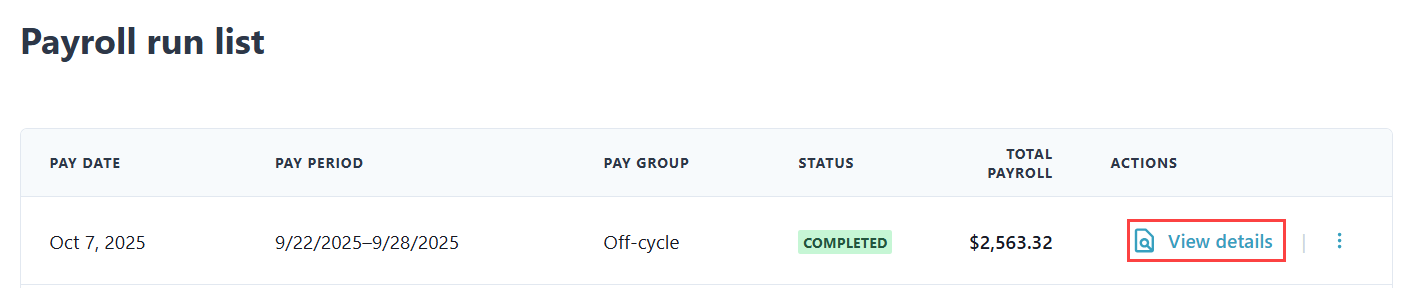
To view a worker's Direct Deposit Status, click View details under the Actions column.
Hovering over a Direct Deposit Status shows a tooltip explaining the status.

Below is a list of all potential Direct Deposit Statuses and their corresponding tooltips. Note that some tooltips have more than one option.
| Status | Tooltip | ||
|---|---|---|---|
| AWAITING | This worker payment has been sent to the bank and is awaiting confirmation. | ||
| CANCELED | This worker payment has been canceled. | ||
| COMPLETED | This worker payment is complete. Any direct deposits have been paid. Any paper checks should be distributed as needed. | ||
| NOT_APPLICABLE |
|
||
| PENDING | This worker payment is scheduled for processing but has not been sent yet. | ||
| RETURNED | This worker payment failed. A direct deposit payment was not successful. Click View Details to learn more. |